
Quote app for UK tradespeople
into a professional quote
before you drive away.
You price the job. SmartTradie turns it into a quote that's ready to check and send.
30 days free · no card needed
No laptop. No forms. No 10pm quoting.
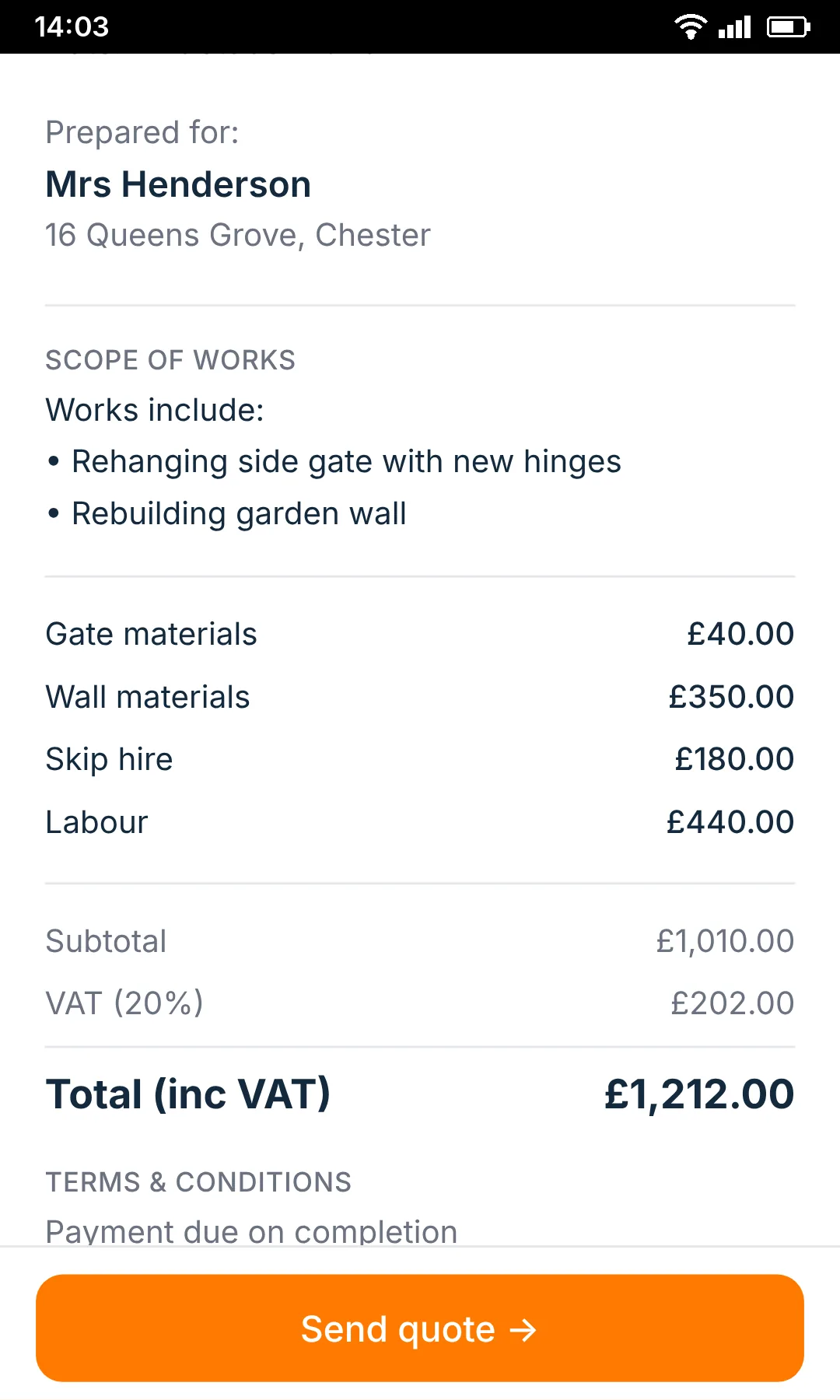
Create a professional quote from a voice note
From voice note to quote, while the job's still fresh.
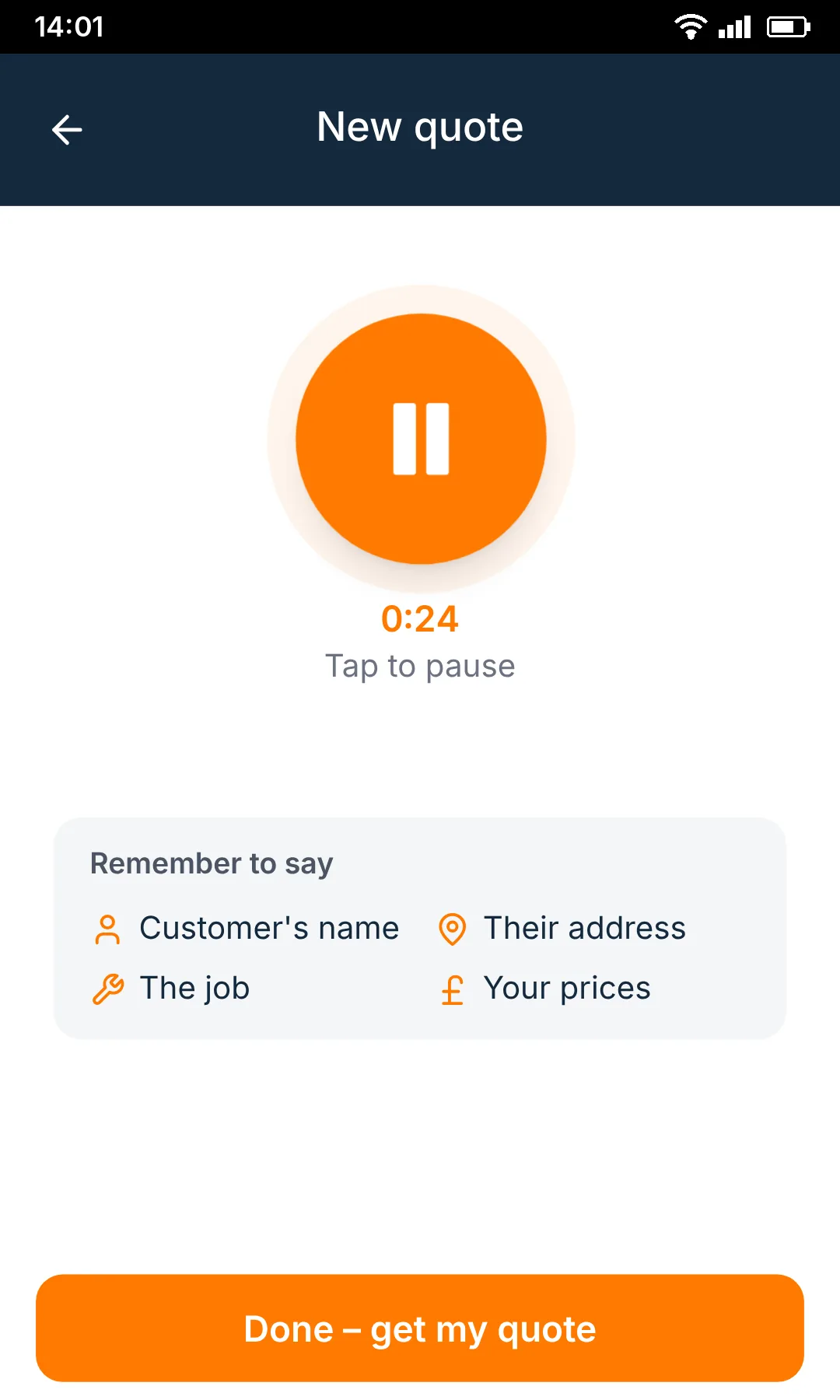
Talk the job
Record the details while they're fresh.
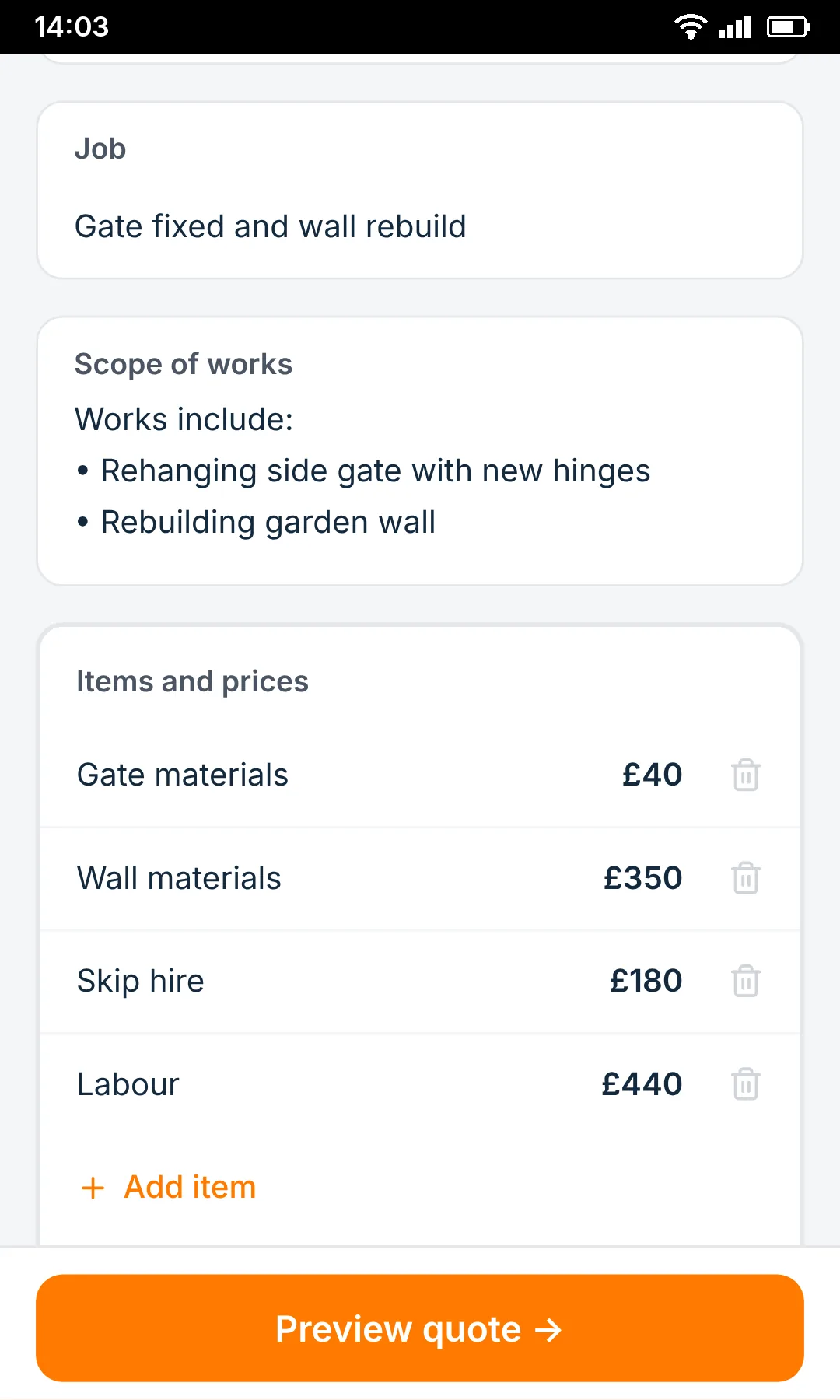
Check the quote
Prices, details and anything unclear are ready to review.
A proper quote, not a guess
Professional and itemised, ready in minutes.
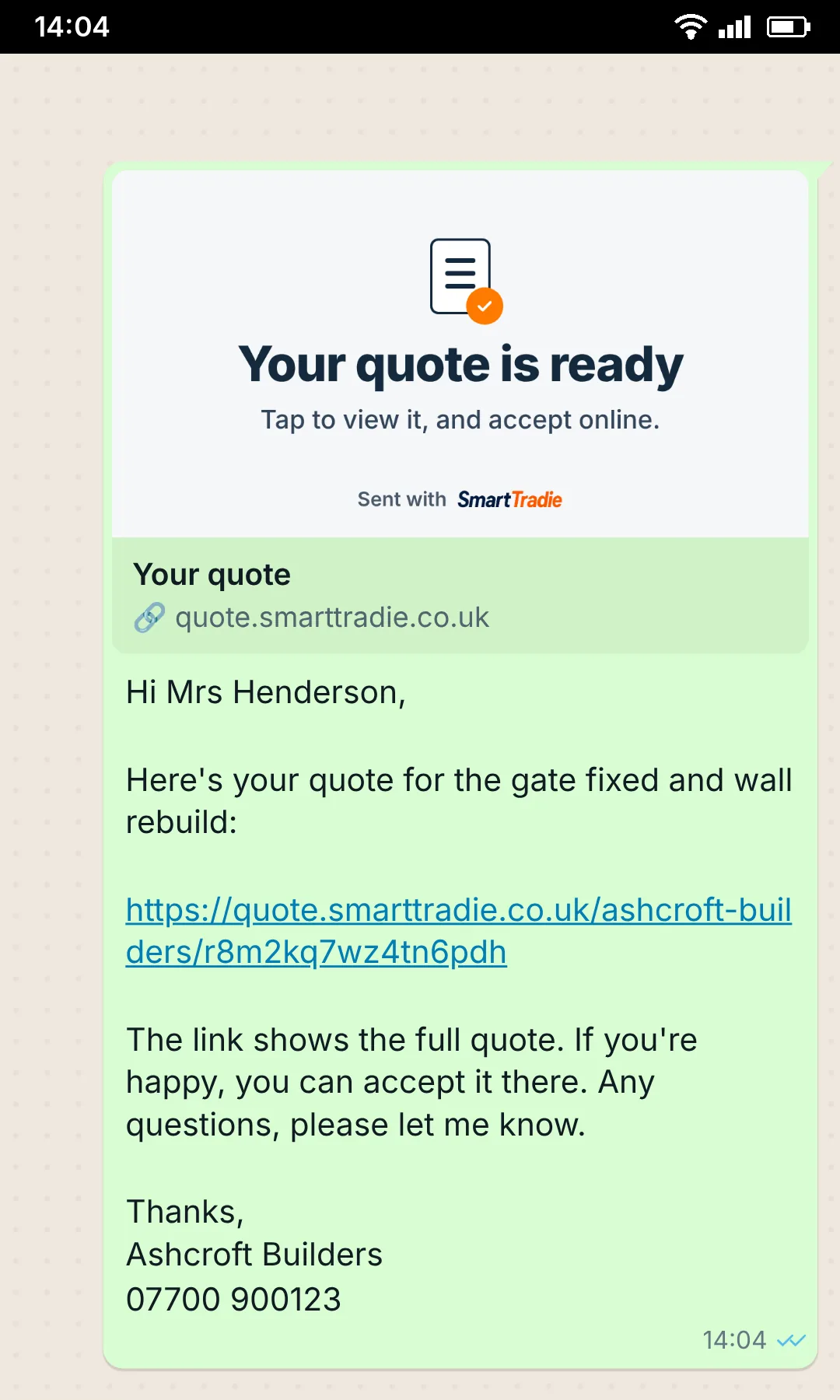
Send it
WhatsApp, email, link or PDF before you leave.
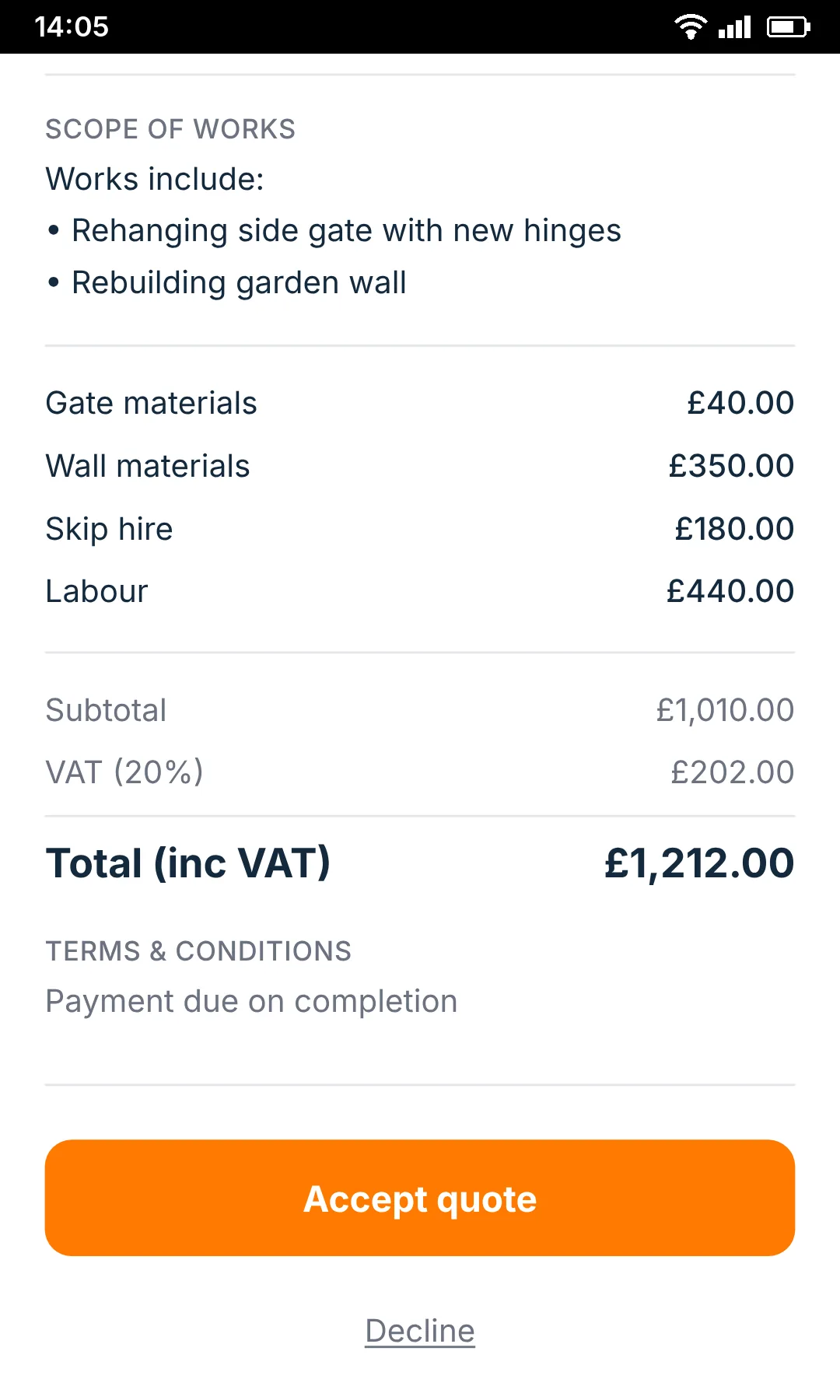
Customer accepts online
They can view the quote and accept or decline from their phone.
Built for the van, not the office.
Quote straight after the visit, while the details are fresh and the next job is waiting.
The best time to write the quote is before you forget the job.
Made for independent UK tradespeople
- Plumbers
- Electricians
- Joiners
- Builders
- Plasterers
- Decorators
- Roofers
- Tilers
- Landscapers
FAQ
Straight answers.
Is SmartTradie a quote app for tradespeople?
How does SmartTradie create a quote from a voice note?
Does SmartTradie decide how much I should charge?
Do I need to download SmartTradie?
No. SmartTradie works in your phone browser. You can also add it to your home screen so it opens like an app.
On iPhone, open it in Safari, tap Share, then Add to Home Screen.
On Android, open it in Chrome and choose Install app or Add to Home screen.
Can I send quotes by WhatsApp?
Can I edit the quote before sending?
Does it work if I lose signal?
Does it work with VAT?
Is this an invoicing system?
Free tools
Free tools for tradespeople
Quick calculators to help you price jobs and run your business.
30 days free · no card needed